The PDF export feature captures a snapshot of the records visible on the first page and includes them in the exported PDF. Since the number of visible records can vary, we cannot set a specific limit on the number of records for export.
We recommend using the CSV of tabular data option to export widget data to ensure all tabular records are retained. This will provide a comprehensive export of all records, allowing you to analyze and utilize the data effectively.
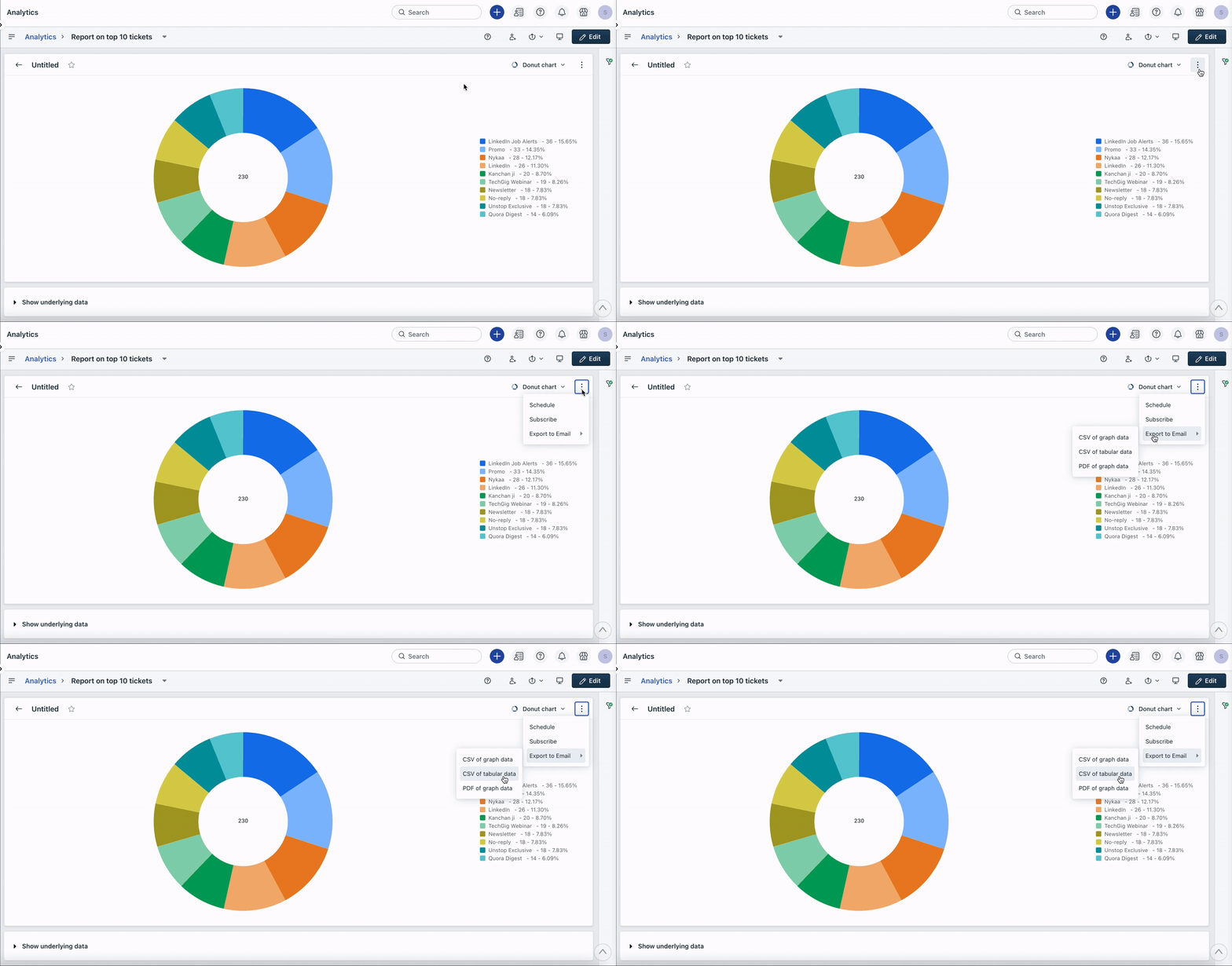
Note: The option to export data as a CSV file is limited to widget exports. When exporting the entire report data, you will receive the data in a PDF file via email.
Was this article helpful?
That’s Great!
Thank you for your feedback
Sorry! We couldn't be helpful
Thank you for your feedback
Feedback sent
We appreciate your effort and will try to fix the article