Yes. As an Org Admin, you can translate the complete analytics reports into the desired language by changing the Primary language of the portal under Admin > Admin settings > Service Desk Rebranding > Service Desk settings. This includes the titles and the content of all the cards in the reports.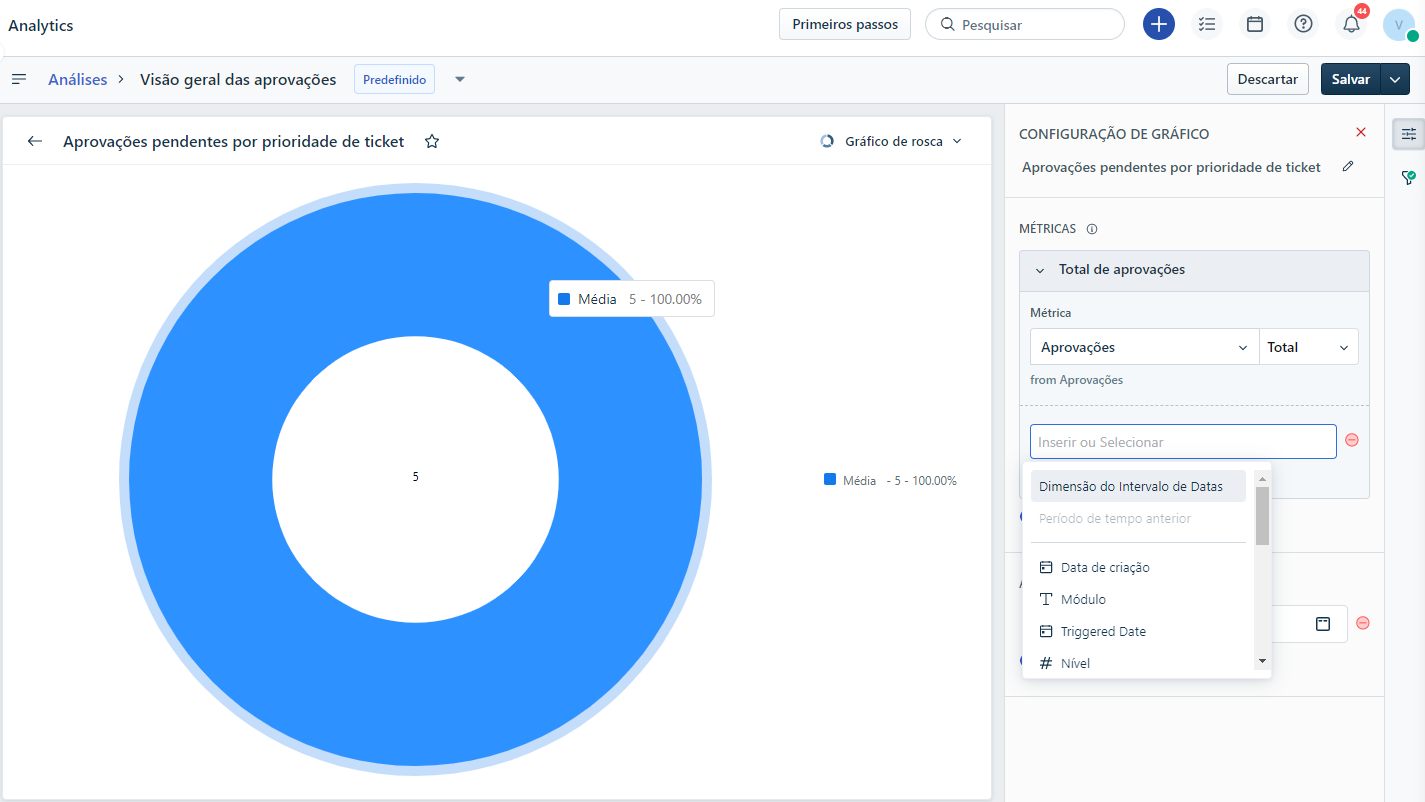
Note: When you change the language, the default curated reports will have their names translated according to the selected language. However, any custom reports created by you previously will not be automatically translated.
To view default reports in your preferred language, follow these steps:
- Go to Admin > Account Settings > Service Desk Rebranding.
- Click Service Desk Settings and locate the Primary language setting.
- Select Manage Languages and update the language to your desired language.
- Save the changes.
The analytics module will now display all the default reports in the translated language.
Was this article helpful?
That’s Great!
Thank you for your feedback
Sorry! We couldn't be helpful
Thank you for your feedback
Feedback sent
We appreciate your effort and will try to fix the article