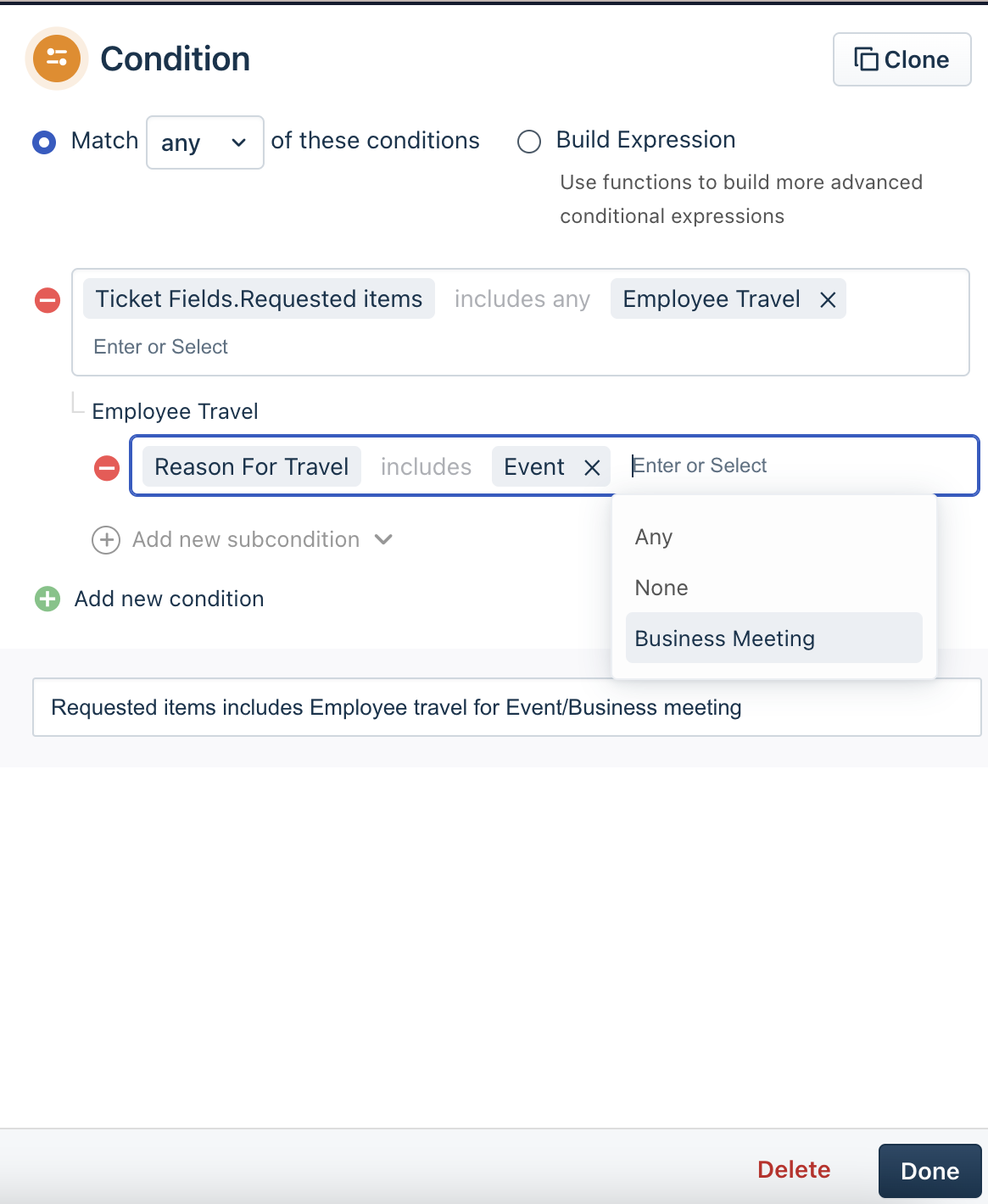
Using the workflow automator, you can choose the condition block to be as Requested Items include and enter the service item details. After this, you will see an option to add sub condition, clicking on that, you should be able to set conditions based on a specific field within the service item, as shown below:
Was this article helpful?
That’s Great!
Thank you for your feedback
Sorry! We couldn't be helpful
Thank you for your feedback
Feedback sent
We appreciate your effort and will try to fix the article