In Freshservice, several types of fields can be added to a service item to capture relevant information. These include:
- Single line Text: This field allows for including a single-line or multi-line text.
- Paragraph Text: This field allows for including a longer text or paragraph.
- Checkbox: This field allows for boolean (true/false) values to be selected.
- Number: This field is for numeric data entry.
- Dropdown: This field presents a set of predefined options.
- Multi dropdown: This field presents a set of predefined multiple options.
- Date: This field is used to capture a date.
- Dependent field: This field changes its values based on a parent field value.
- Decimal: This field is used for the input of decimal values.
- URL: This field is for including website URLs.
- Content: This field allows for including a snippet of information.
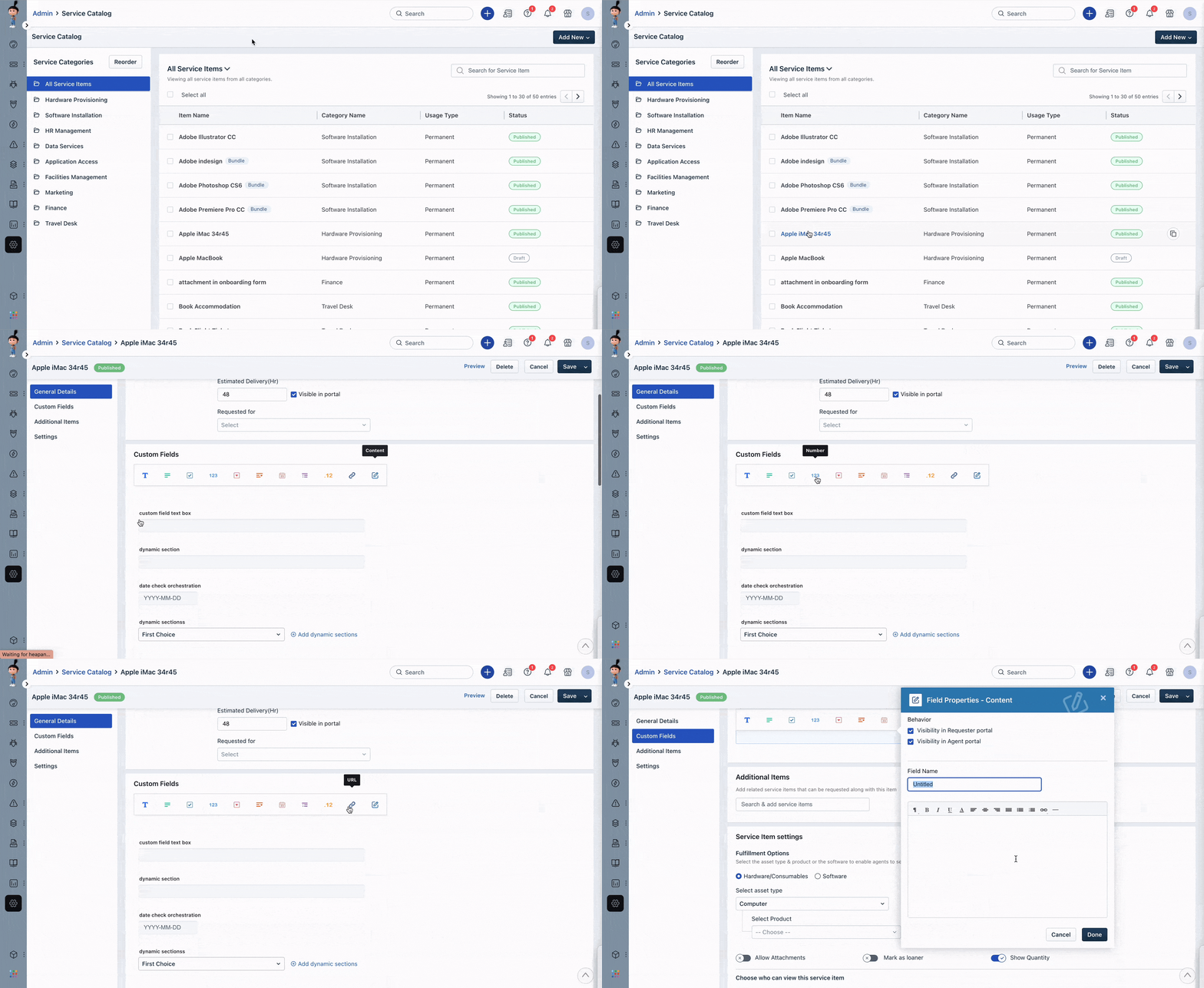
These field types help you collect and organize the relevant information needed to provide the service and can be customized to fit your specific business needs.
Was this article helpful?
That’s Great!
Thank you for your feedback
Sorry! We couldn't be helpful
Thank you for your feedback
Feedback sent
We appreciate your effort and will try to fix the article