Customization helps extend your brand to your Status Page. This is especially useful when you have a customer facing Status Page.
Here's how to customize your Status Page in Freshservice:
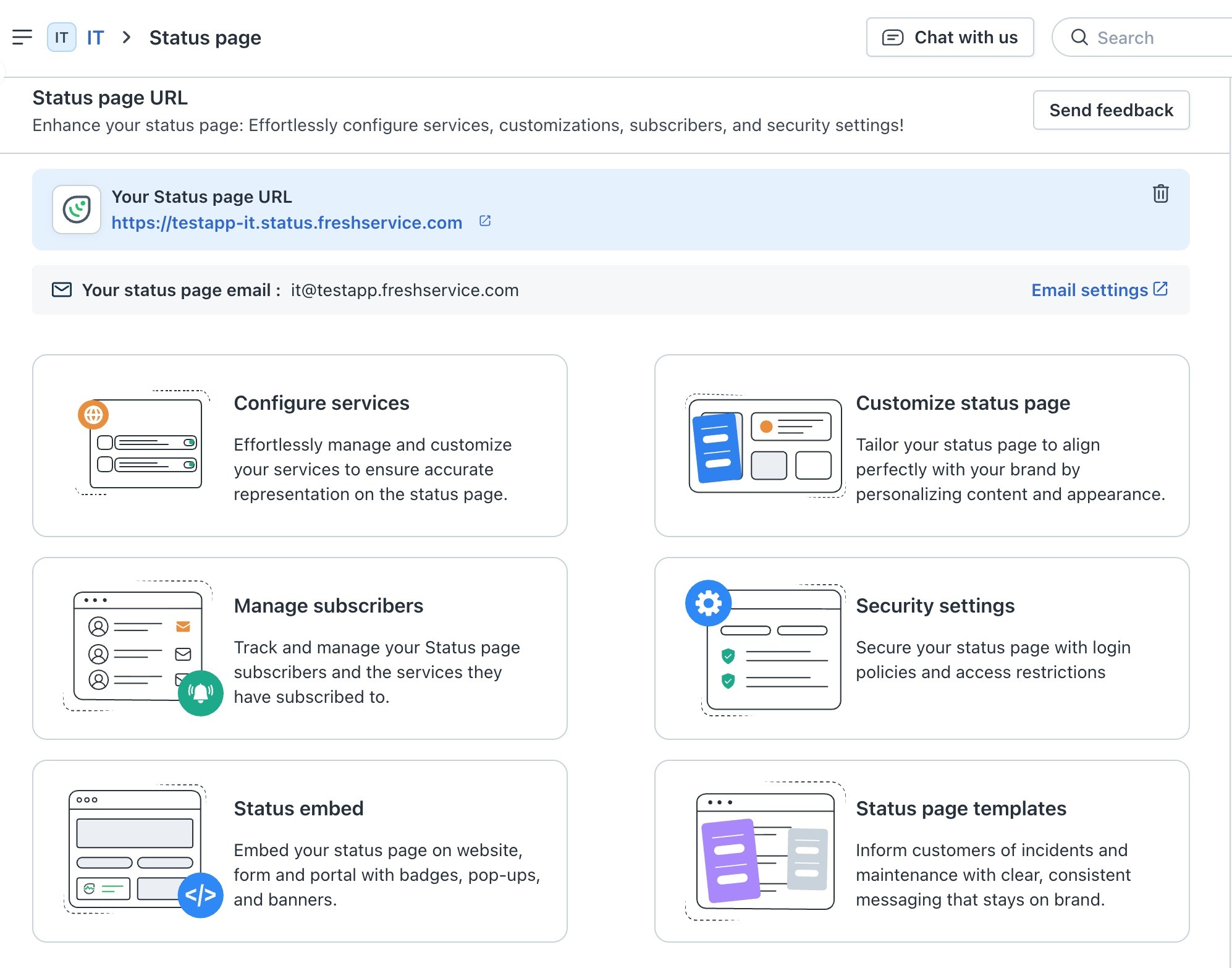
- Go to Admin > Status Page > Customize Status Page.
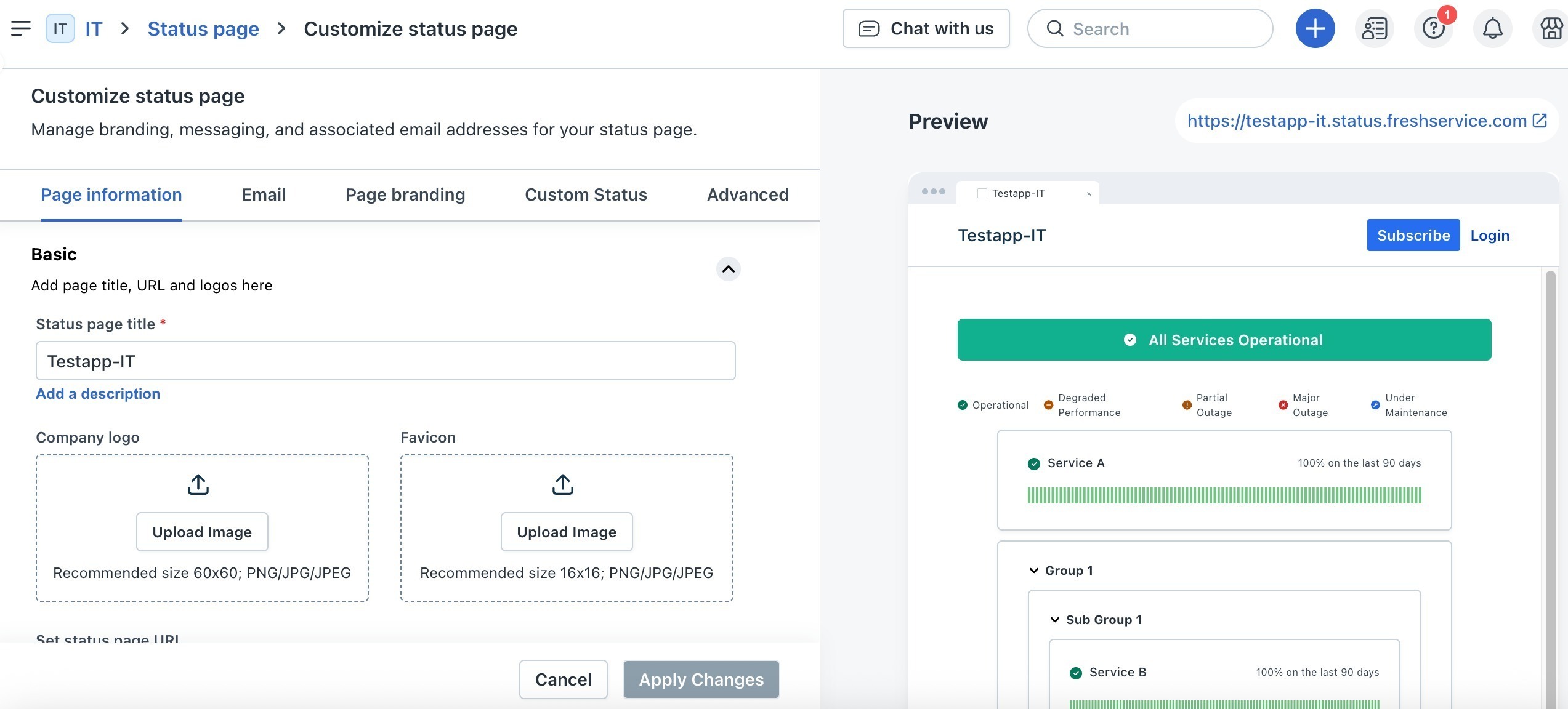
- On the Page Information tab, enter the following details:
- Status Page a title
- Description
- Company logo and favicon
- Status Page URL
- Email and Support portal URL
- Header and footer
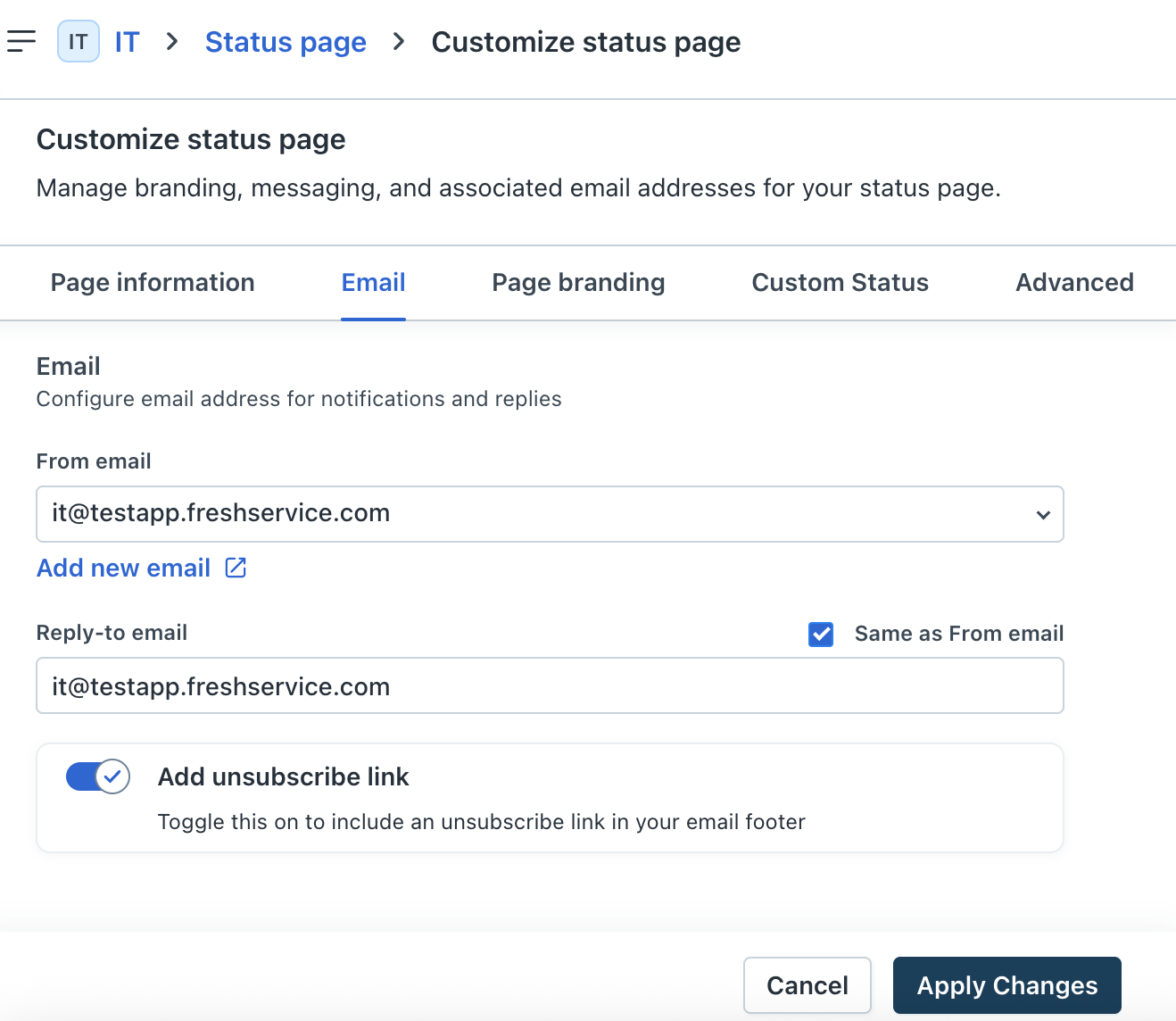
- On the Email tab, enter the email address for notification and replies.
- Enable the Add unsubscribe link to include the unsubscribe link in your email footer.
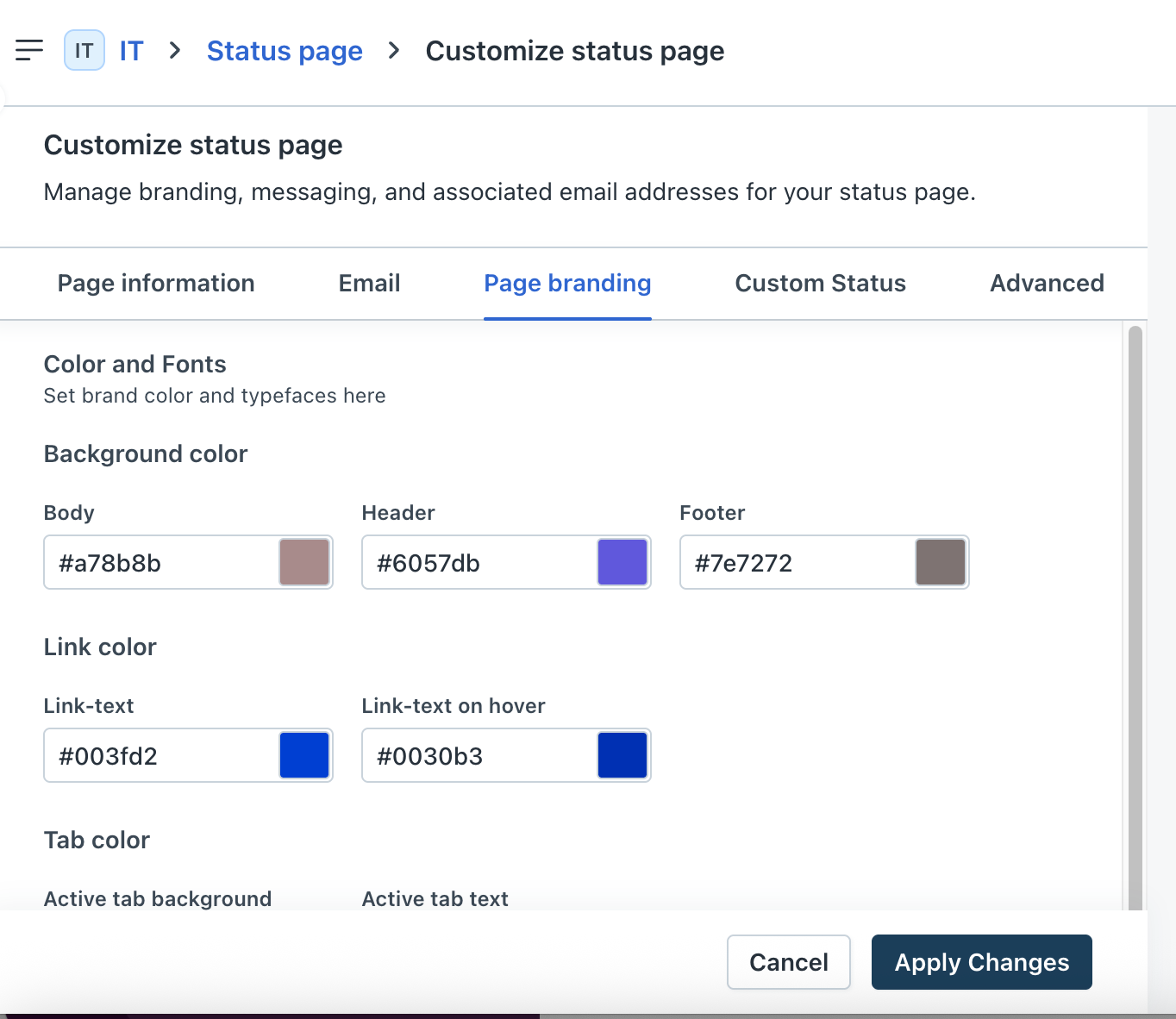
- On the Page Branding tab, specify the colors and fonts to be used on the Status Page as per your organization's brand guidelines.
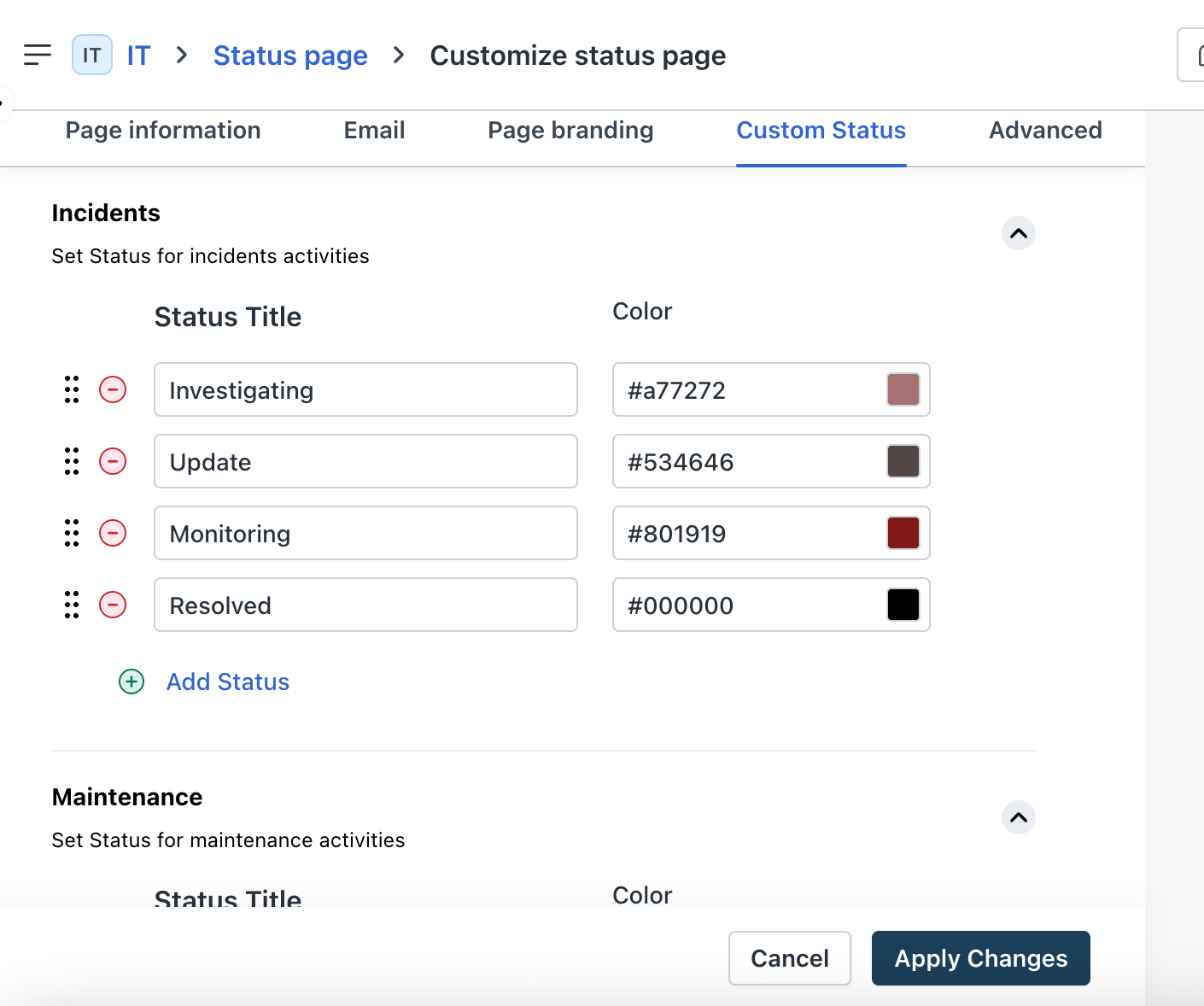
- On the Custom Status tab, set status for incident and maintenance activities.
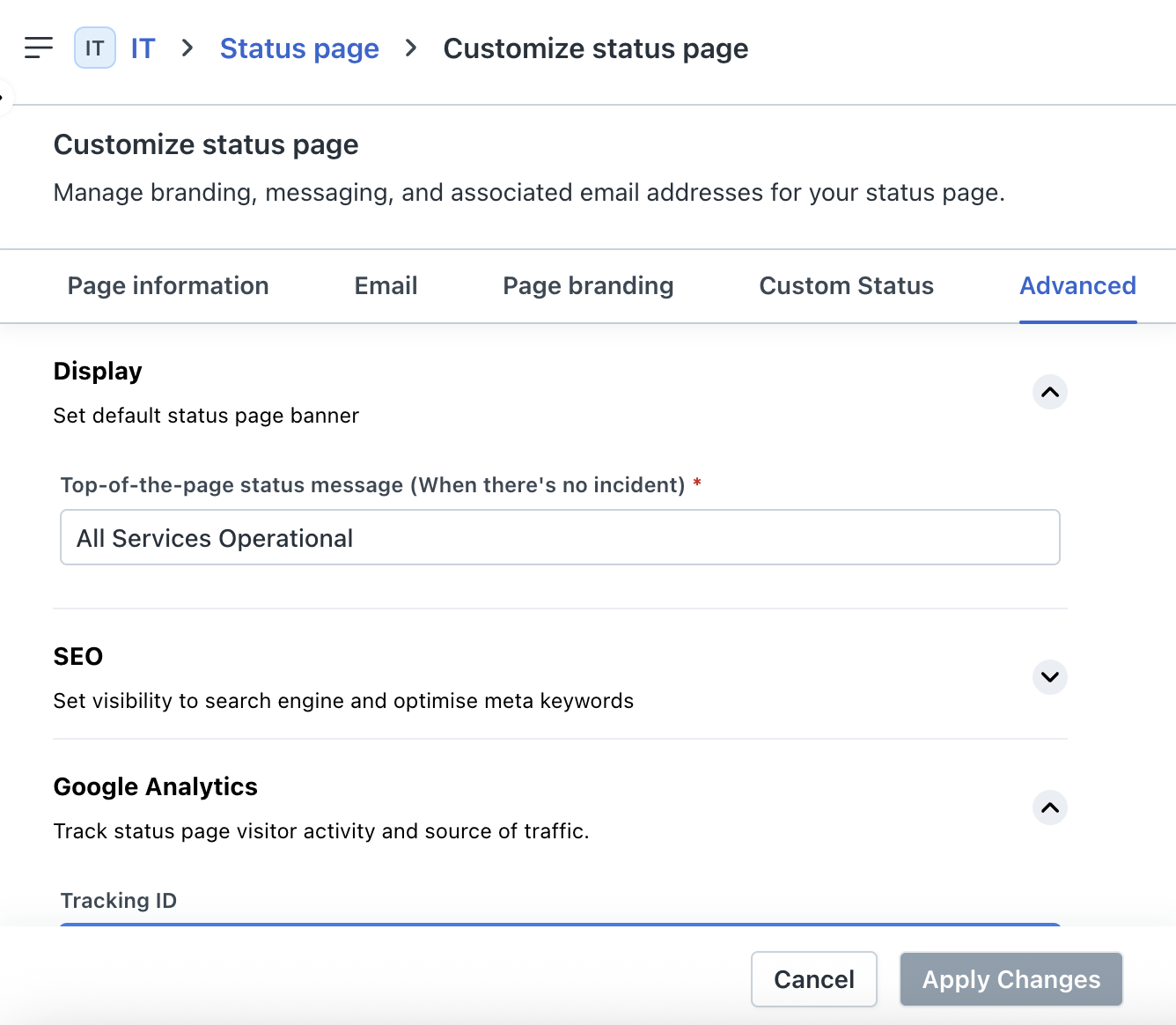
- On the Advanced tab, enter the following details:
- Display - Add a default message to be shown when all services are operational.
- SEO - Enable the toggle to indicate if you want the Status Page to be indexed by search engines. When you enable this toggle, enter the meta title, keywords, and description.
- Google Analytics - Enter the Google Analytics tracking ID.
- Click Apply changes to save the required updates.
Also see
Was this article helpful?
That’s Great!
Thank you for your feedback
Sorry! We couldn't be helpful
Thank you for your feedback
Feedback sent
We appreciate your effort and will try to fix the article