With the new updated Freddy AI, re-imagine service operations. Freddy AI empowers and builds a high-performing workforce using the following:
- Freddy AI Agent: Instant conversational support for quick resolution
- Freddy Copilot: Agent productivity and efficiency tools for smart service operations
- Freddy Insights: Proactive insights for quick decision-making.
Use Freddy AI to improve employee engagement and productivity while enabling your service teams scale efficiently and make informed decisions.
How to enable Freddy?
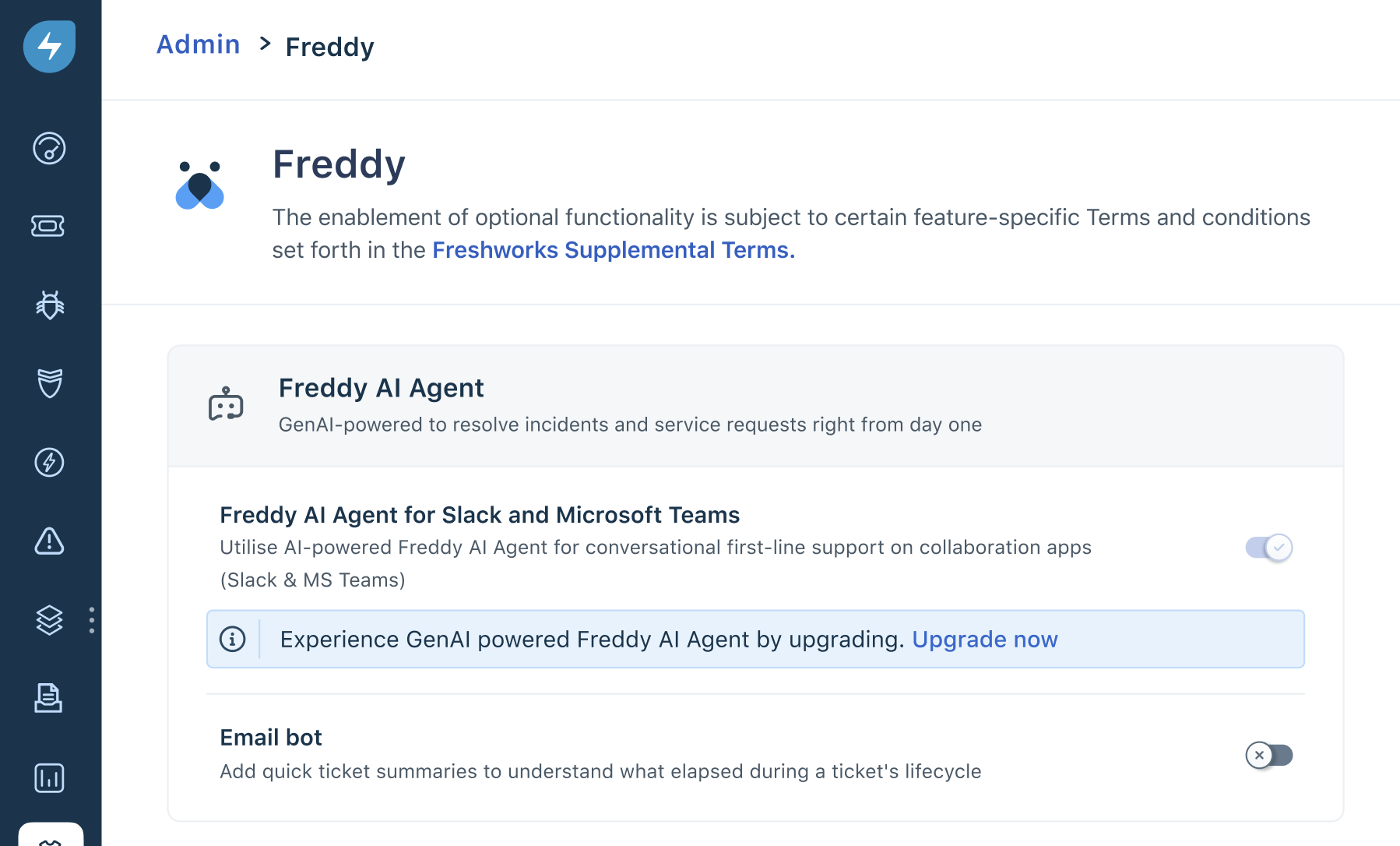
1. Go to Admin > Freddy AI > Freddy.

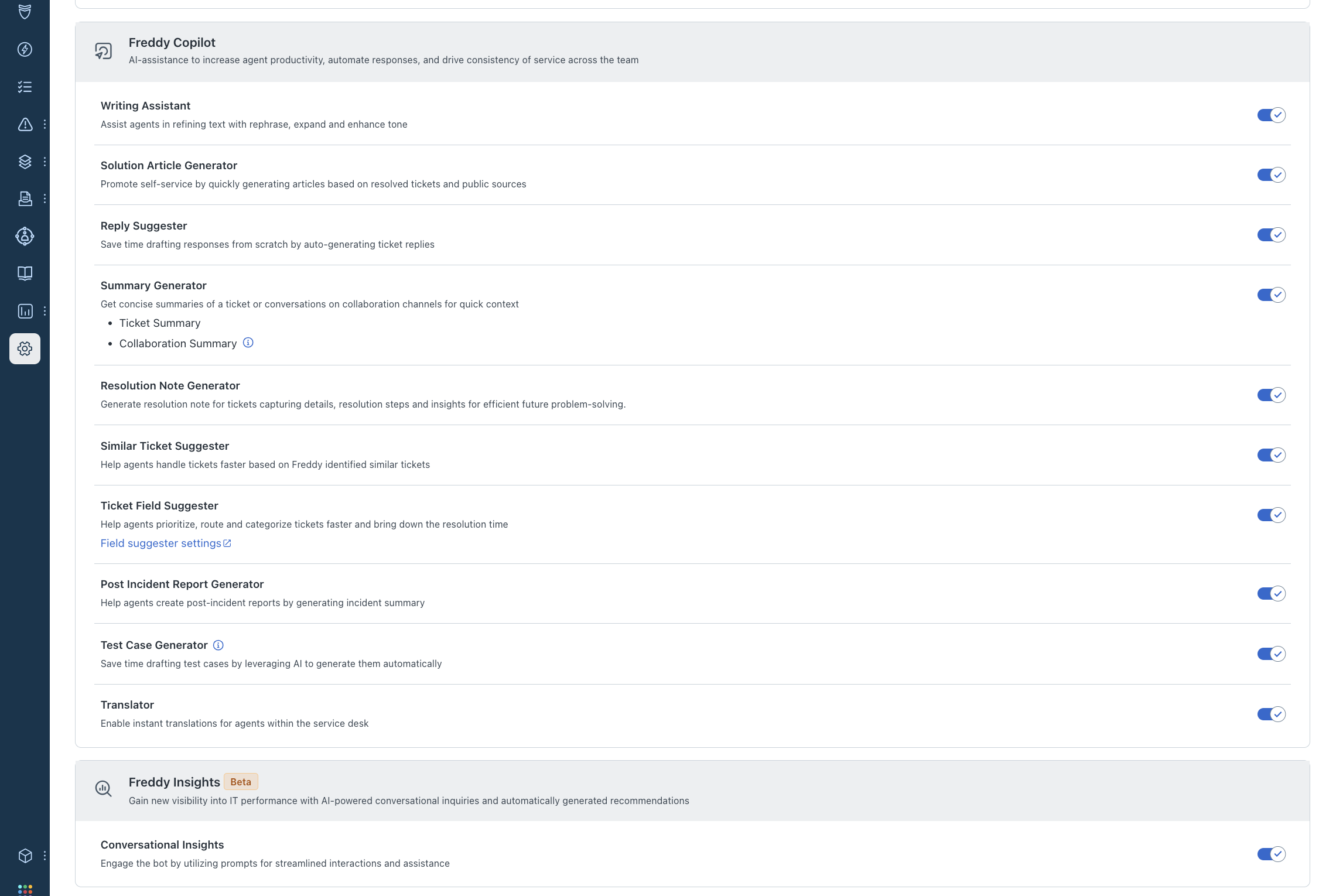
2. Enable the toggle for features you want to explore.
GPT-based features for Freshservice
Freddy AI Agent
With Freddy AI Agent, resolve incidents and service requests with generative AI-powered support that is ready to start helping you from day one.

Freddy Copilot
Enable AI-assistance to increase agent productivity, automate responses, and drive consistency of service across the team.

Freddy Insights
Gain new visibility into IT performance with AI-powered conversational inquiries and automatically generated recommendations.

Was this article helpful?
That’s Great!
Thank you for your feedback
Sorry! We couldn't be helpful
Thank you for your feedback
Feedback sent
We appreciate your effort and will try to fix the article