Many of your customers may face the same set of problems or might reach out with similar questions. All of these related questions that are frequently asked can be deflected with FAQs.
- You'll need to have already written content on specific topics added as FAQ articles in Freshchat
- You can directly share it with your customers in a conversation
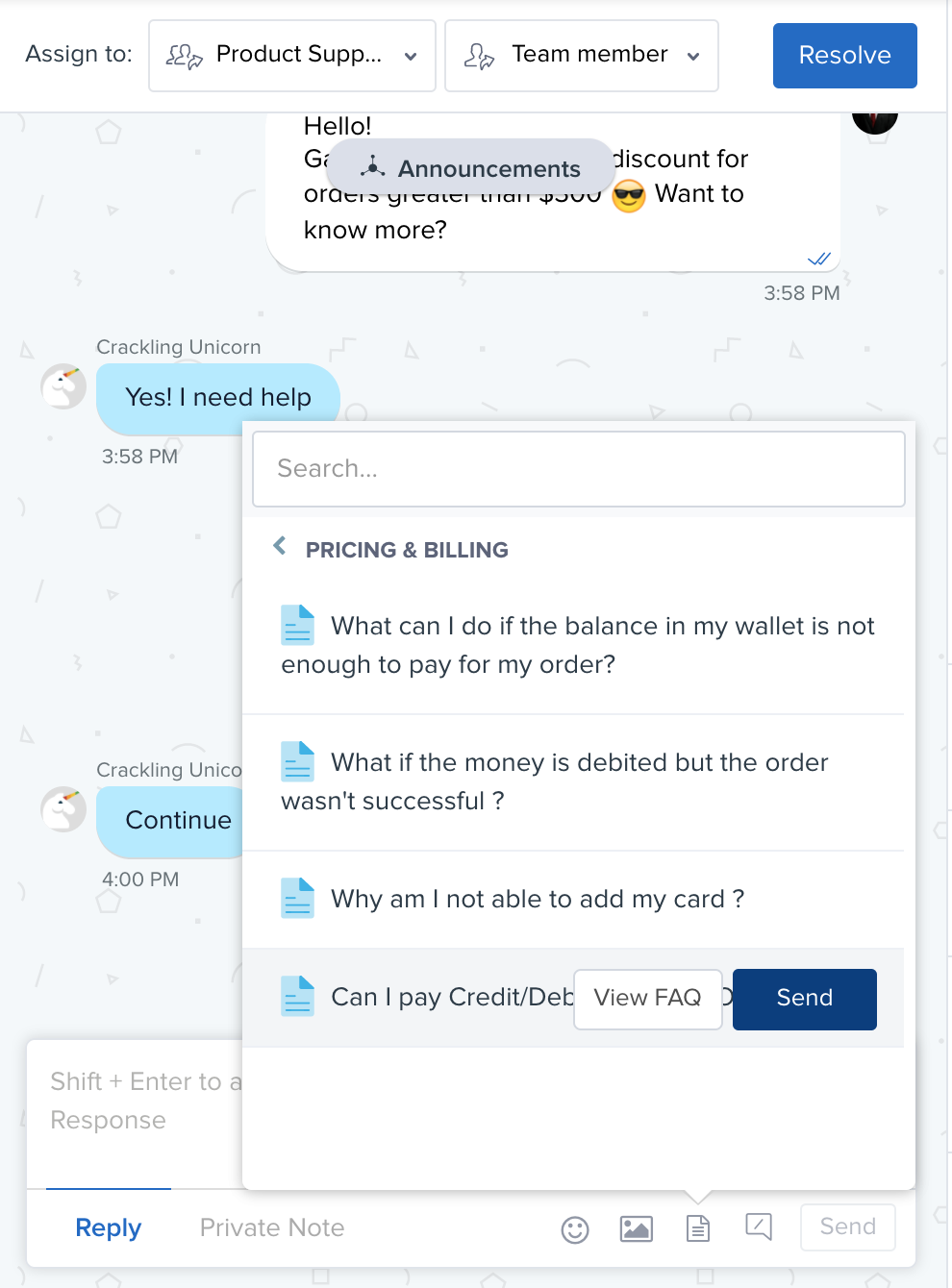
- Use the insert FAQ option in the reply text editor and search for the FAQ
- You can also select it from the list of categories and click Send
- You can also add these FAQs in your widgets to improve the deflection of simple, repetitive questions from your customers
Was this article helpful?
That’s Great!
Thank you for your feedback
Sorry! We couldn't be helpful
Thank you for your feedback
Feedback sent
We appreciate your effort and will try to fix the article