TABLE OF CONTENTS
Audit log tracking
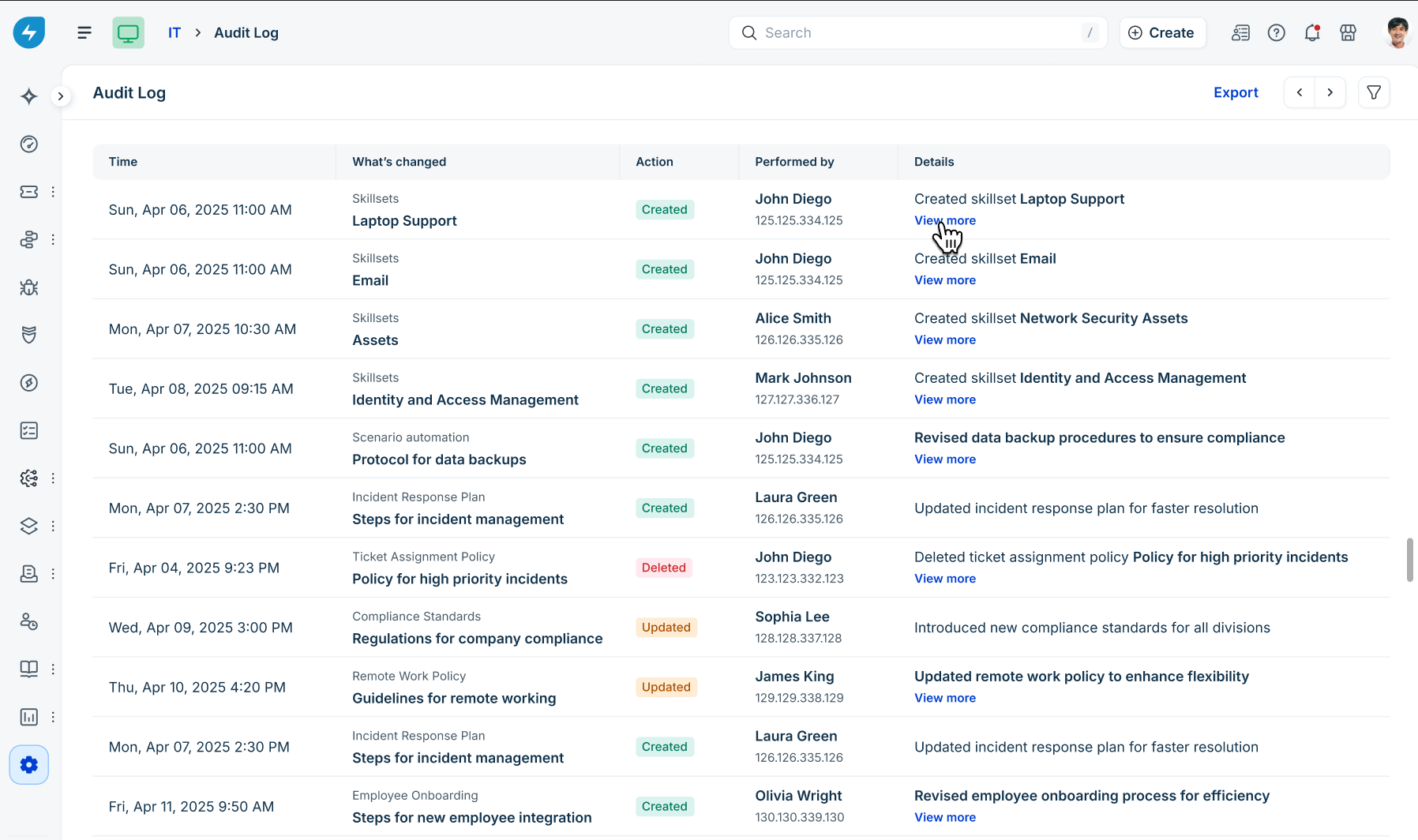
All lifecycle actions related to skillsets are logged for compliance and security auditing.
To review audit logs:
Go to Admin > Global settings or Workspace settings > Audit Log.
Filter or view entries under the Skillsets category.
Tracked actions include:
Created skillset
Updated skillset
Archived skillset
Deleted skillset
Published skillsets
Each entry includes the timestamp, performing user, IP address, action type, and a View more link detailing specific field changes.
Sandbox support
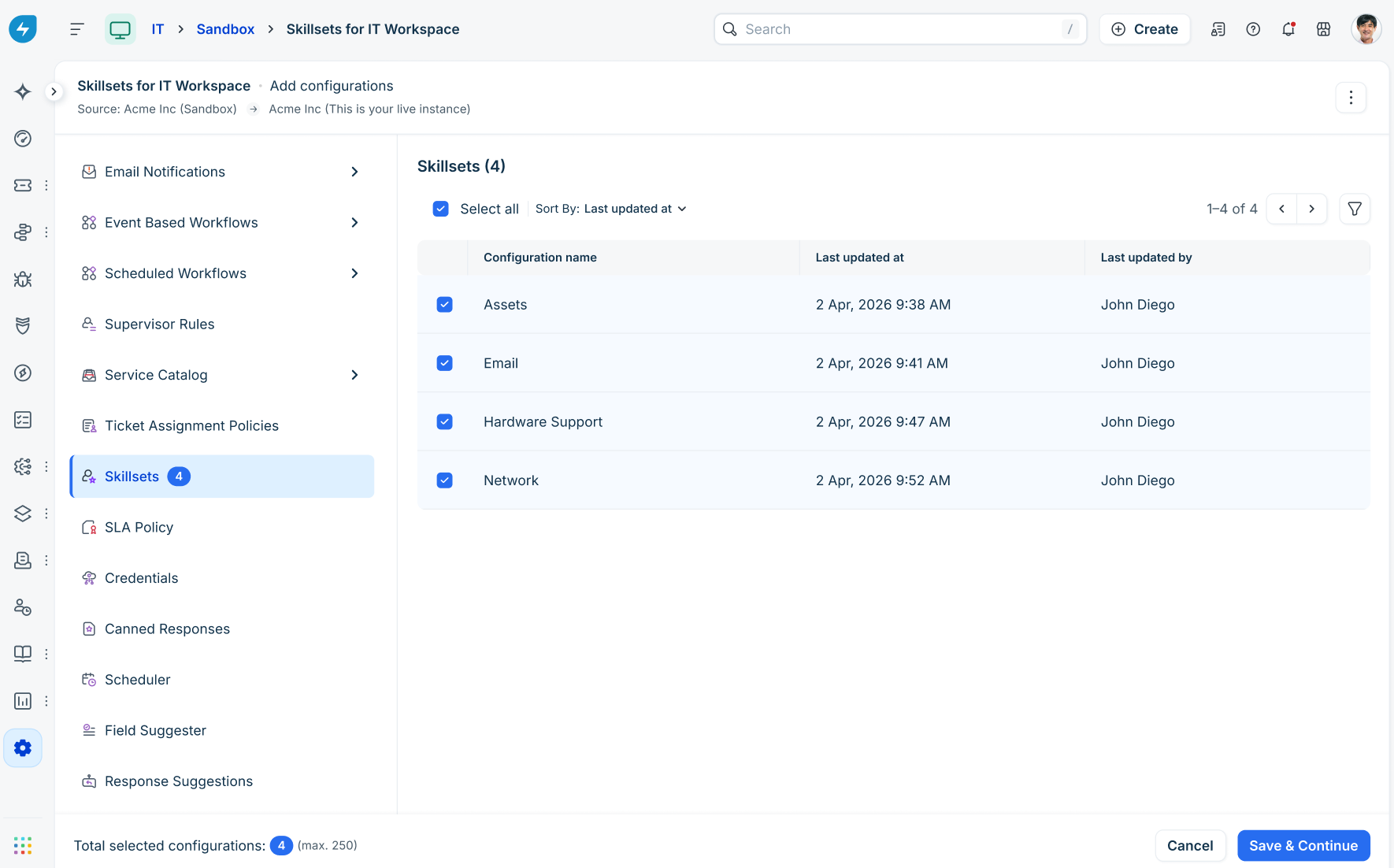
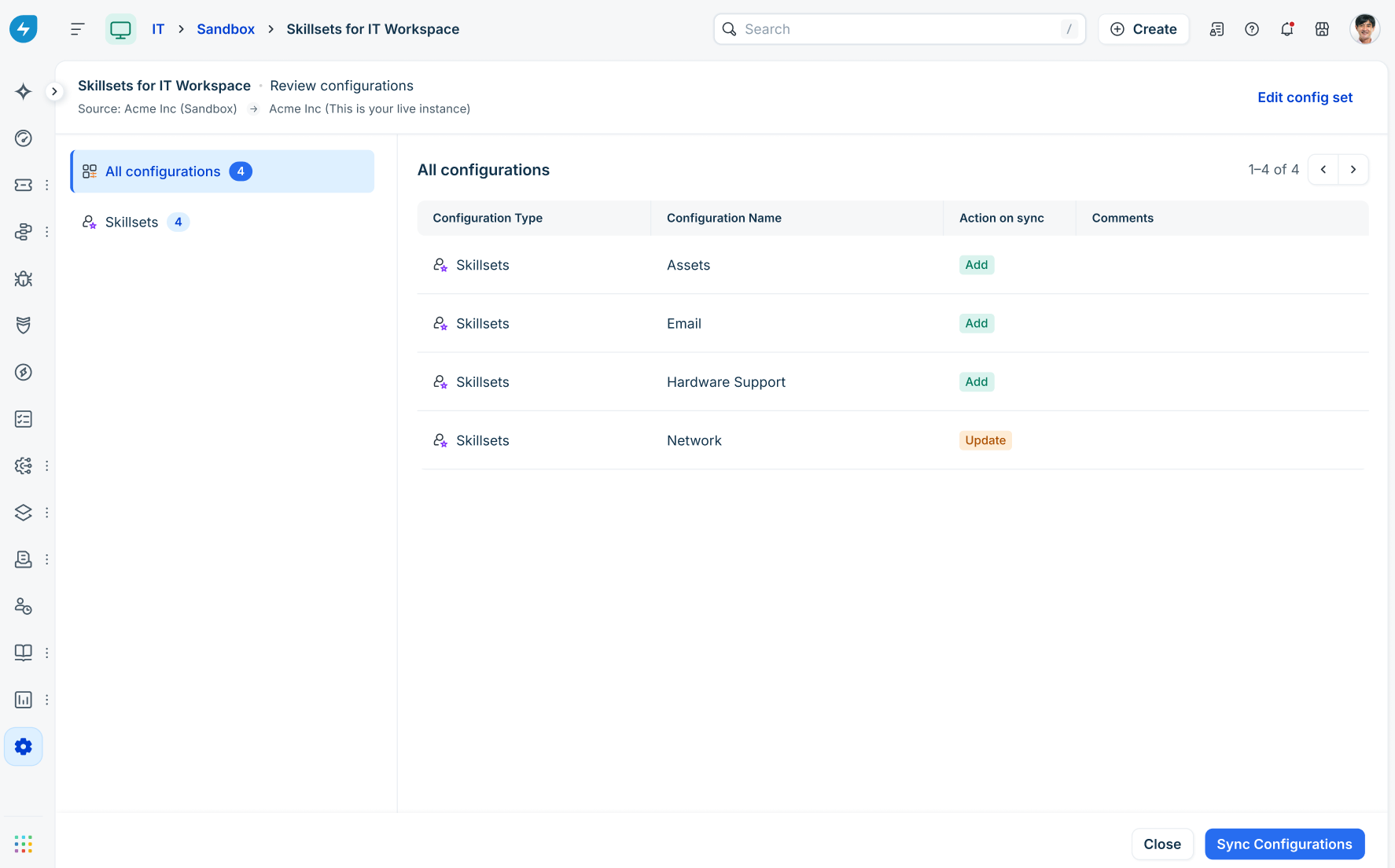
To ensure a seamless transition from configuration to production, the Skillsets feature is fully supported within Sandbox environments. This allows admins to test synchronization without impacting live data.
Was this article helpful?
That’s Great!
Thank you for your feedback
Sorry! We couldn't be helpful
Thank you for your feedback
Feedback sent
We appreciate your effort and will try to fix the article