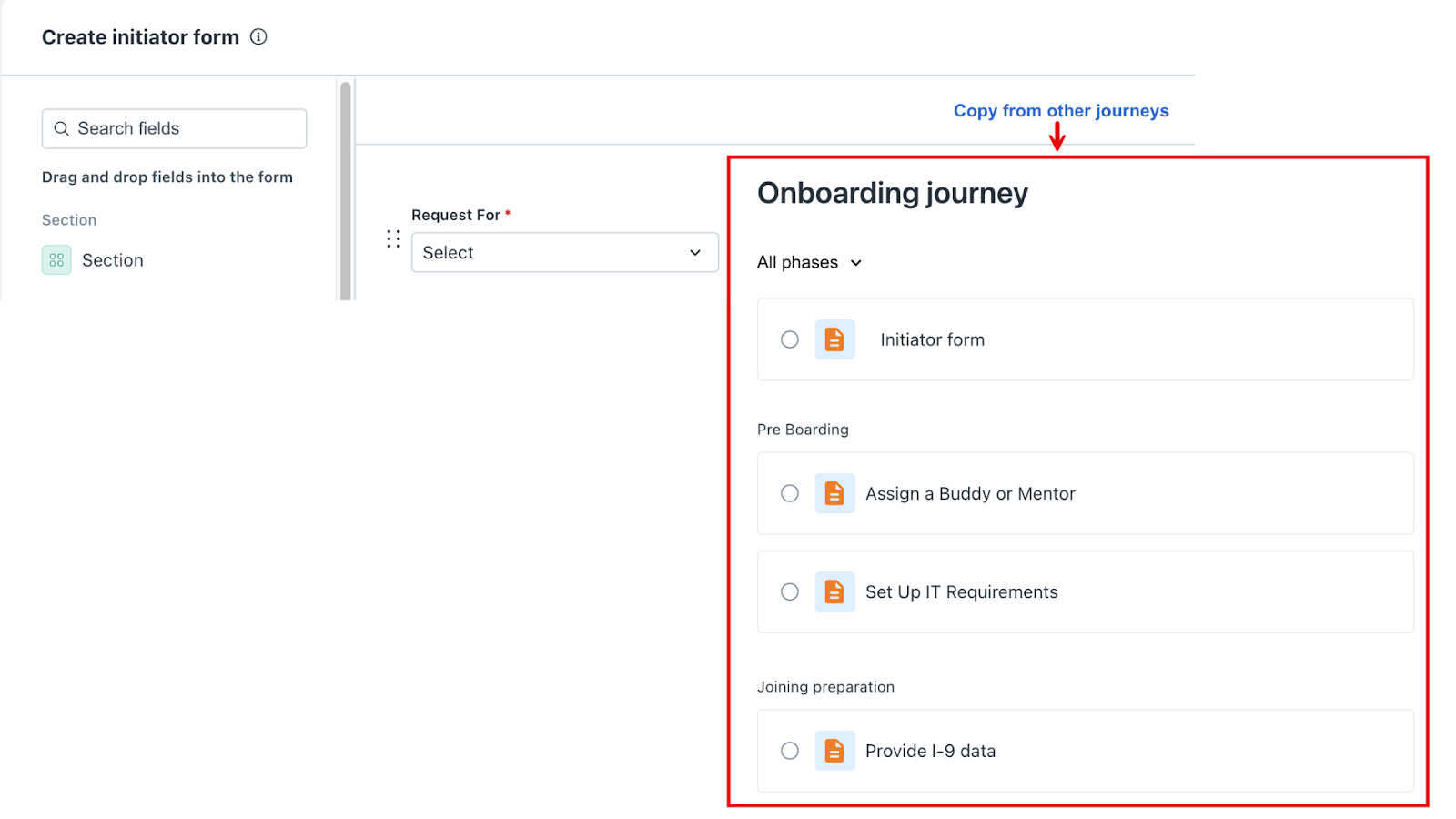
You can also copy fields from forms used in other journeys. To do this, select Copy from other journeys, choose the desired journey, and then select the form you want to reuse, as shown in the image below.
Note: When you use this option, it completely replaces the existing fields with all the fields from the selected form of a different journey.
Was this article helpful?
That’s Great!
Thank you for your feedback
Sorry! We couldn't be helpful
Thank you for your feedback
Feedback sent
We appreciate your effort and will try to fix the article