This article describes a new enhancement that allows admins to clearly differentiate between workflow updates and activation/deactivation events, improving visibility and tracking.
Workflows display separate fields for the last update and last activation or deactivation. This helps distinguish whether a workflow was modified (configuration or sort order change) or activated/deactivated.

You can filter workflows by user name, email, and timestamp to track who activated or deactivated a workflow and when it happened.
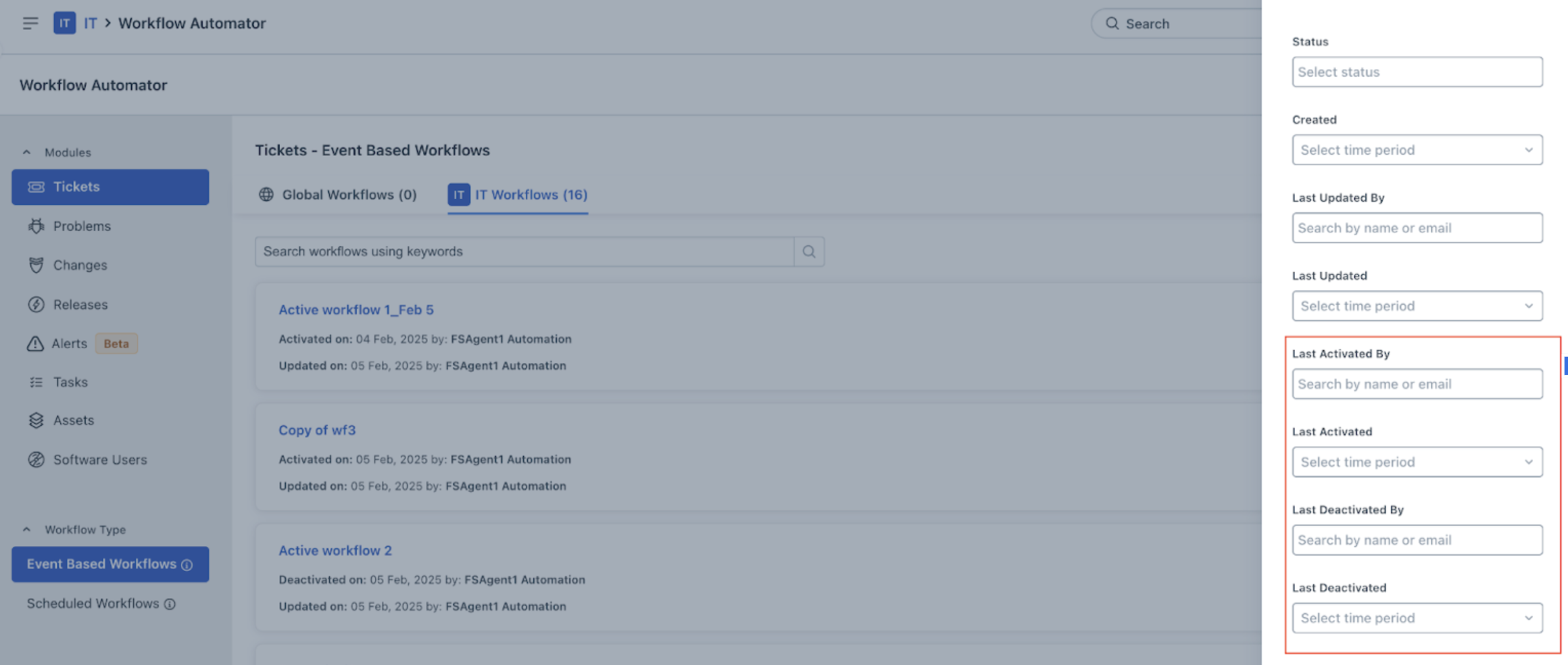
This feature is available for workflow automators in:
- Tickets
- Changes
- Problems
- Releases
- Assets
Note: For new signups after the 31 March, 2026 release, Asset has been replaced with Inventory. - Tasks
- Software Users
Limitations:
- This feature is not available for production accounts with an active legacy sandbox. It will be enabled automatically once customers upgrade to the new sandbox.
Was this article helpful?
That’s Great!
Thank you for your feedback
Sorry! We couldn't be helpful
Thank you for your feedback
Feedback sent
We appreciate your effort and will try to fix the article